
Final contest
Start after the opposed check is resolved.
Two capable actors. One decided result.
Turn final unequal opposed results into a vivid exchange. Prepare an opening, shifting pressure and decisive turn around the winner already decided.

Two capable actors. One decided result.
Keep the final unequal results beside both participants’ skill.
Start after the opposed check is resolved.
Name what the participants were competing for.
Give each actor intent and skill.
Review the scene around the decided winner.
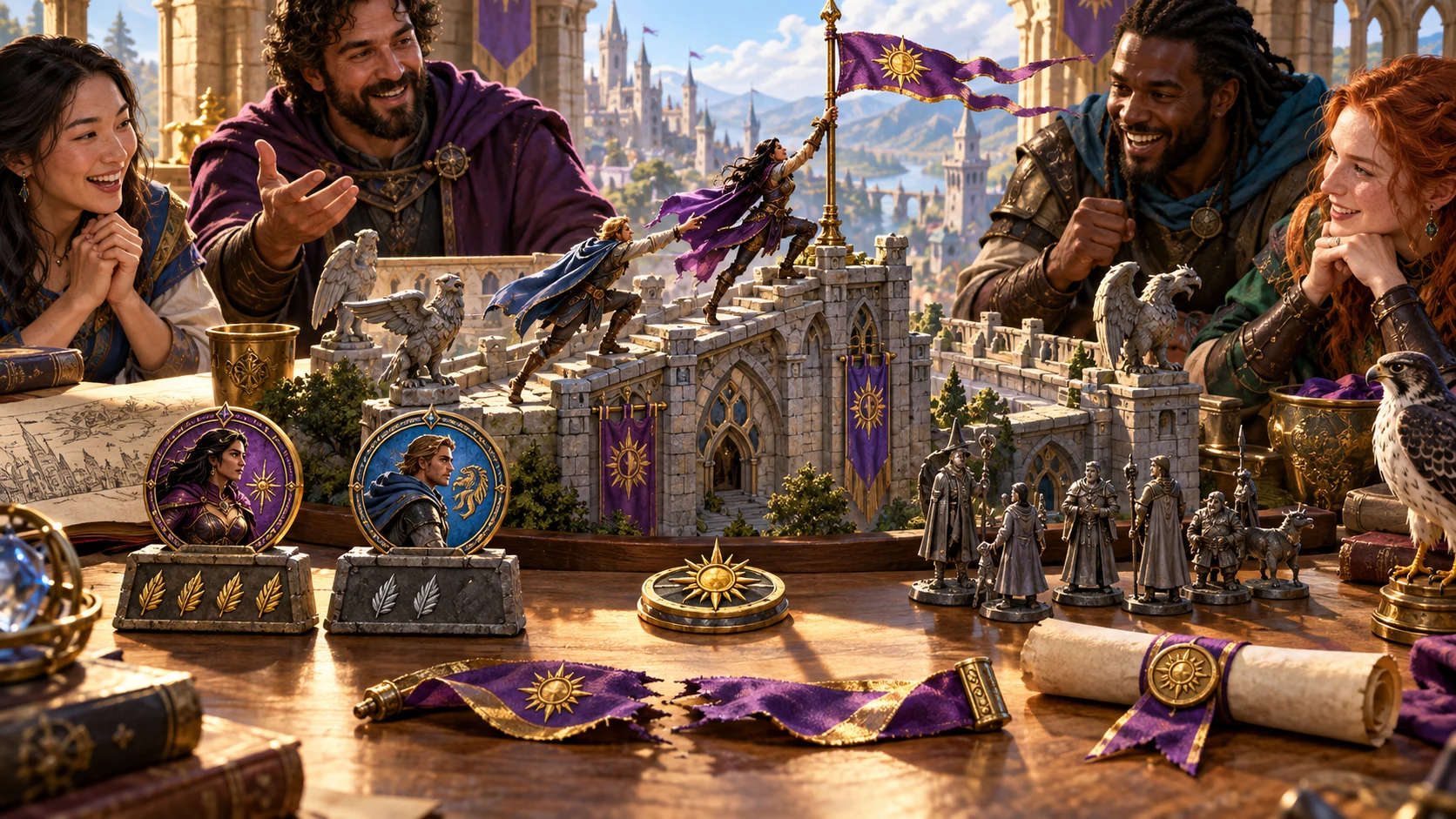
Prepare the showdown
The illustration represents fictional scene preparation, not an application screen or generated image output.
Start with both final unequal results and the decided winner.
Add the shared objective, stakes, tone and each approach.
From resolved contest to readable showdown
Prepare four parts around the result already decided.
Enter both final unequal totals and the winner.
Choose objective, stakes, type and tone.
Describe approaches, surroundings and pressure.
Keep skill, consequence and audience clear.
Your showdown toolkit
Prepare action, pressure and a proportionate consequence around the resolved contest.
Name two actors, enter final unequal results and confirm the decided winner.
Add contest type, stakes and tone.
Describe intent, skill, relationship and surroundings.
Prepare an opening, exchange of pressure, decisive turn and resolution.
Review narration that respects both participants and the established outcome.
Shape pace, duration, a bounded consequence and details to revisit later.
Edit, lock, regenerate selected beats, undo or redo and revisit recent session versions.
Review chosen Dungeon Master or player-facing text, copy, download JSON or print.
Choose the detail the showdown needs
Add the setting, pace and witnesses that matter.
Actors, final results, winner, objective, stakes and tone.
Intent, skill, relationship, surroundings and duration.
Keep the aftermath proportionate to the contest.
Add reactions and a detail to revisit later.
Refine the scene for your table
Review chosen material before reading or sharing.
Edit, lock and regenerate selected passages.
Step through your revisions.
Revisit recent versions during the current session.
Copy, download JSON or print before closing.
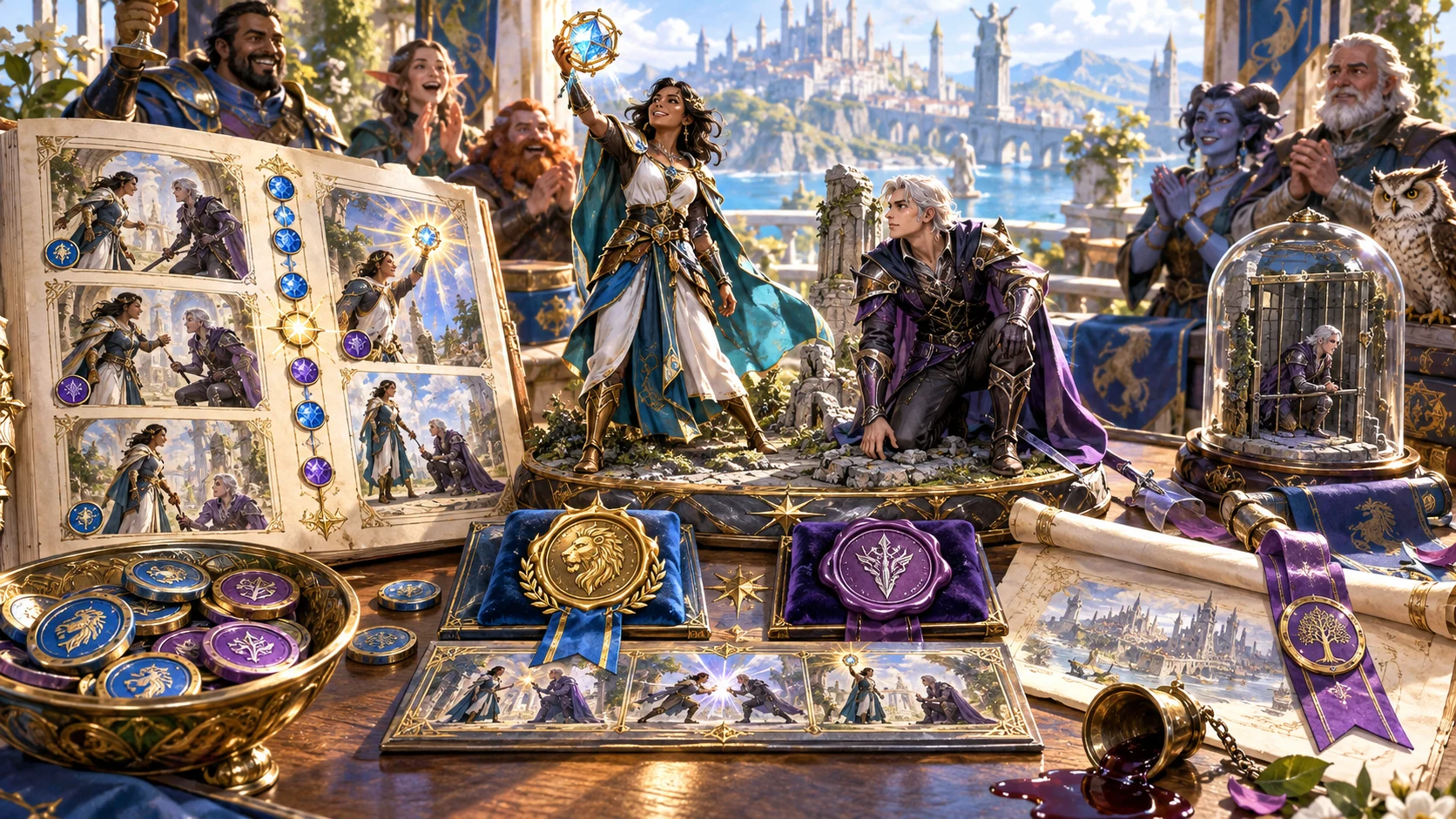
A showdown to review
Review the opening, exchange, decisive turn and resolution.
Keep both final results, the decided winner and competence beside the narration.
Review player-facing details before sharing.
Narration follows the decided contest
Prepare the action and pressure around fixed unequal results.
Resolve the check before using this generator.
Supply the established winner yourself.
Use separate tools for ties and advantage influences.
Keep private notes separate and review chosen passages.
Choose your generator access
Choose the required generator access and review current pricing in your account.
Choose the required access for Contested Roll Showdown Generator as a selected standalone generator.
Select this generator within an eligible pack. Review current capacity and pricing in your account.
Other generators, Battlemaps and image-credit products have their own access arrangements. They are not included automatically.
Create a free account, choose the required generator access and use Desktop Command Centre on Windows.
VISINVOKE means value
A focused tool for narrated opposed contests, capable participants and a decisive moment built around the final result.
Start after the contest is resolved.
Give each participant intent and skill.
Shape the exchange before the decisive turn.
Review witness reactions and consequence.
Build your tabletop toolkit
Each card opens its own product website. Review purpose and access separately; related products do not promise included access or automatic synchronisation.
Open your VISINVOKE products from Windows.
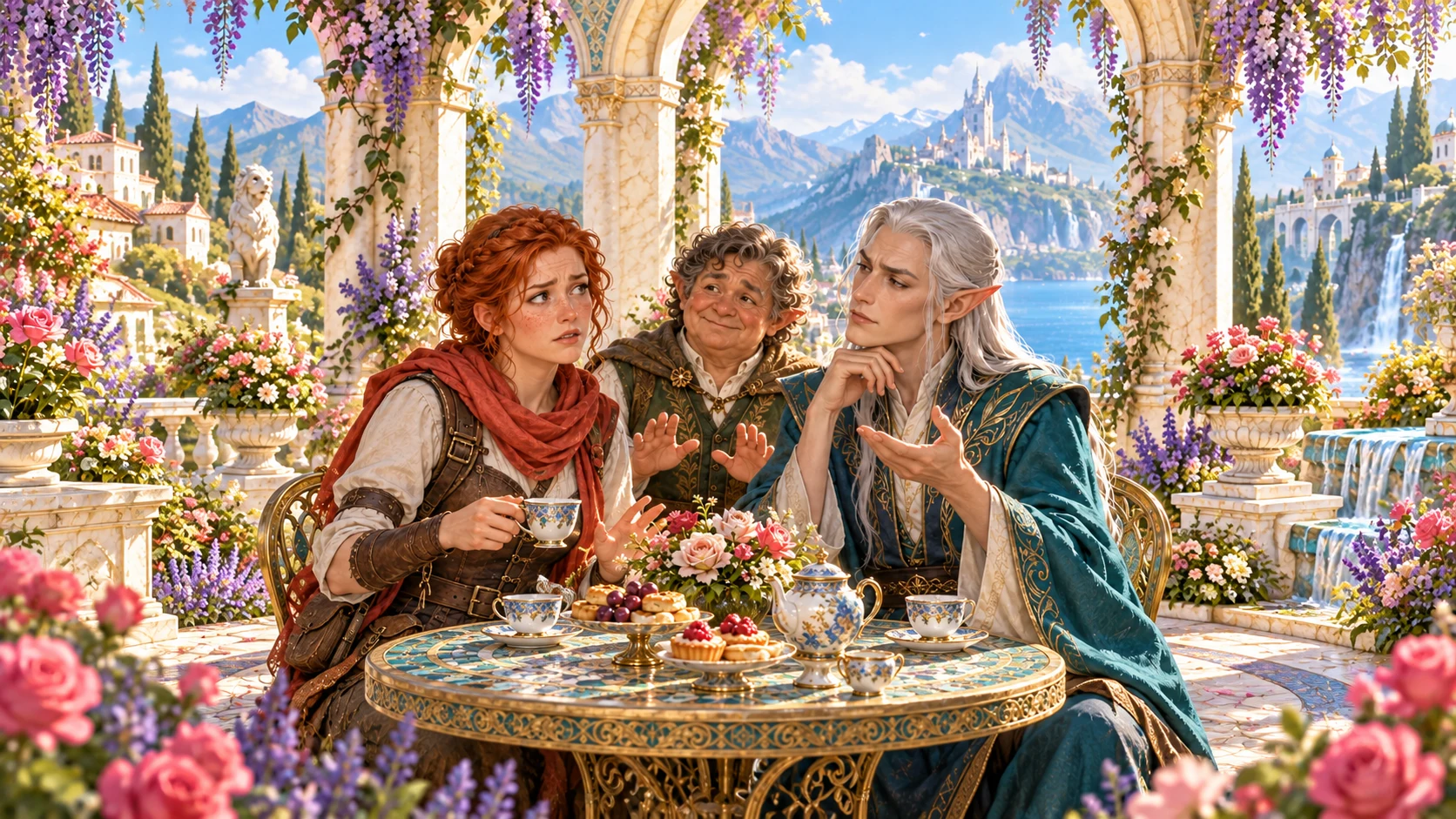
Frame a live exchange after an established social mistake.

Build the wider setting around your campaign.

Develop the places your party travels through.

Explore separate adventure environments.
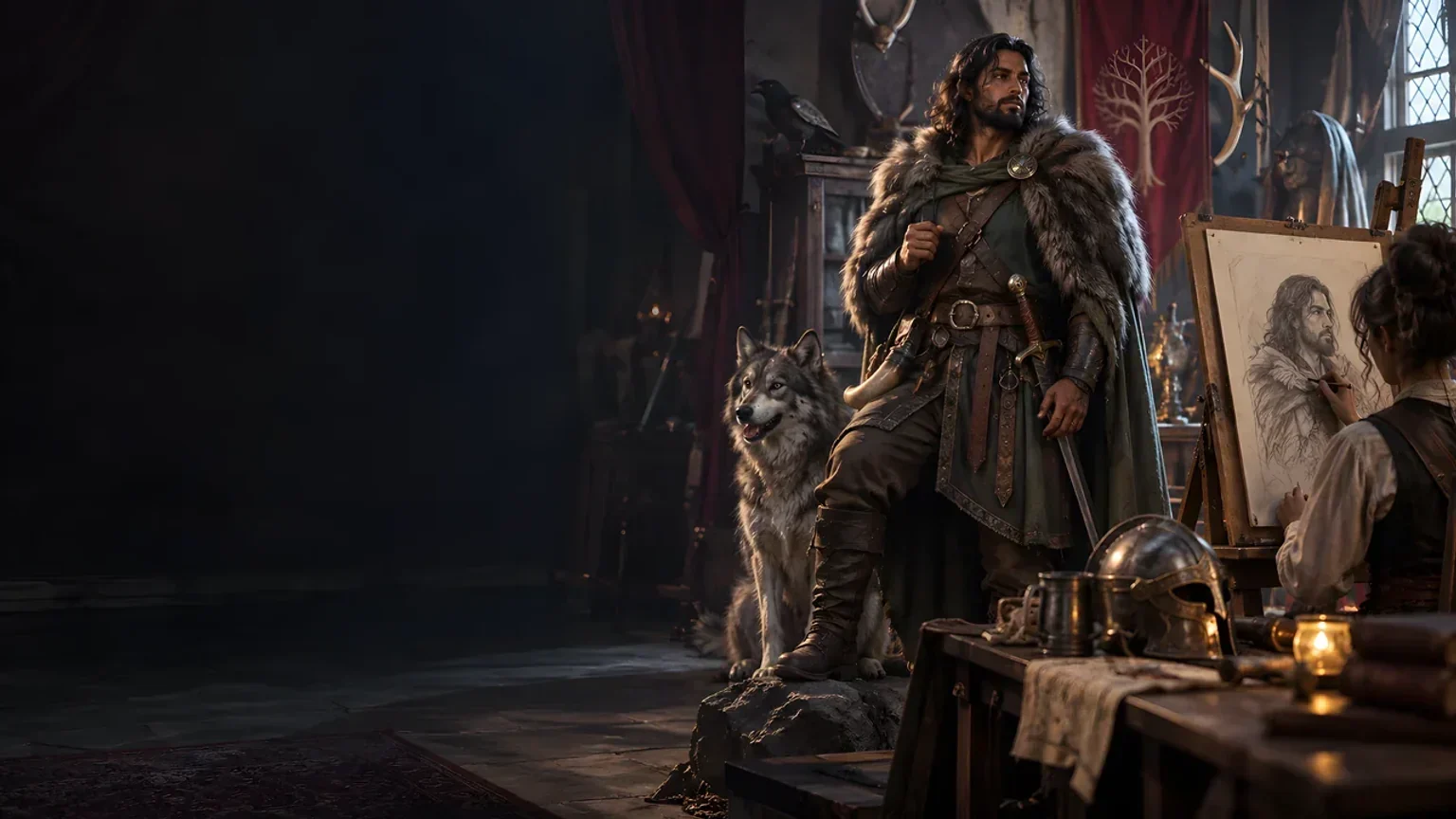
Explore separate fantasy image creation.
Product artwork illustrates fictional scene preparation, not application screens or actual generated image output.
Quick answers
Understand the final results, exchange, revision and session exports.
Prepare a vivid narrated exchange from two already-final unequal opposed results. Start with the decided winner, then review an opening, a back-and-forth exchange of pressure, decisive turn and resolution. Keep both participants’ skill visible beside the established result.
Create a free VISINVOKE account and review current generator access and pricing in your account. Choose the required access for this selected generator or an eligible generator pack. Other VISINVOKE products have separate access arrangements.
Quick names two actors, their final unequal results, the established winner, shared objective, contest type, stakes and tone. Deep adds each participant’s intent, skill and approach, relationship, surroundings, pace, duration, proportionate consequence, witnesses and details to revisit later. Keep private Dungeon Master notes separate.
Resolve the opposed check at your table or with Skill Check Resolver before preparing narration. This generator does not roll dice, calculate modifiers or Difficulty Classes, choose a winner, settle matching results or explain advantage and disadvantage. Use Tie Result Generator for matching results and Advantage / Disadvantage Story Generator for those influences. Review the narration against the final results and rules effects you supplied.
Edit the narration, lock useful sections, regenerate individual beats and use undo or redo. Revisit recent versions during the current session. Export any showdown you want to keep after closing the product. Copy the complete Dungeon Master version, chosen player-facing view, read-aloud or selected sections; download JSON or print. Review the current chosen passages for audience and spoilers before sharing, especially after edits.
Open Contested Roll Showdown Generator from the Generators collection in Desktop Command Centre on Windows. The written scene includes the source contest, result reading, opening position, exchange, decisive turn, resolution, losing side’s competence, immediate consequence, witness beat, future callback and read-aloud. Review the scene around your table’s fixed result; it adds narration rather than new rules effects.
Continue in VISINVOKE
Create a free VISINVOKE account and choose generator access.
Get Desktop Command Centre from your account installer page. Sign in on Windows and open Contested Roll Showdown Generator.